LiteCal is a lightweight time utility for macOS: clock, calendar, and timer in one app, with a clean interface and a direct workflow. If you want something clear, simple, and free, it is a solid place to start.
Use the main window for the full view, or open a floating window, or place a widget in Notification Center or on the desktop. The app is still being refined; v1.0 for Apple Silicon Mac is available now.
Visit the LiteCal website to learn more, or go straight to the download section for the DMG.
Clock, calendar, and timer
Those three tools are the core of LiteCal — each on its own, and coordinated when you need them together.
Clock
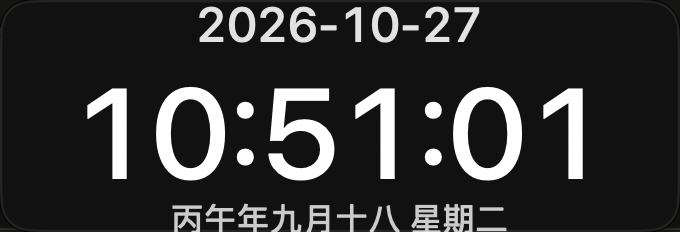
Large hours, minutes, and seconds, with the date and lunar details below. The type scales with your window, so it stays readable from a distance.
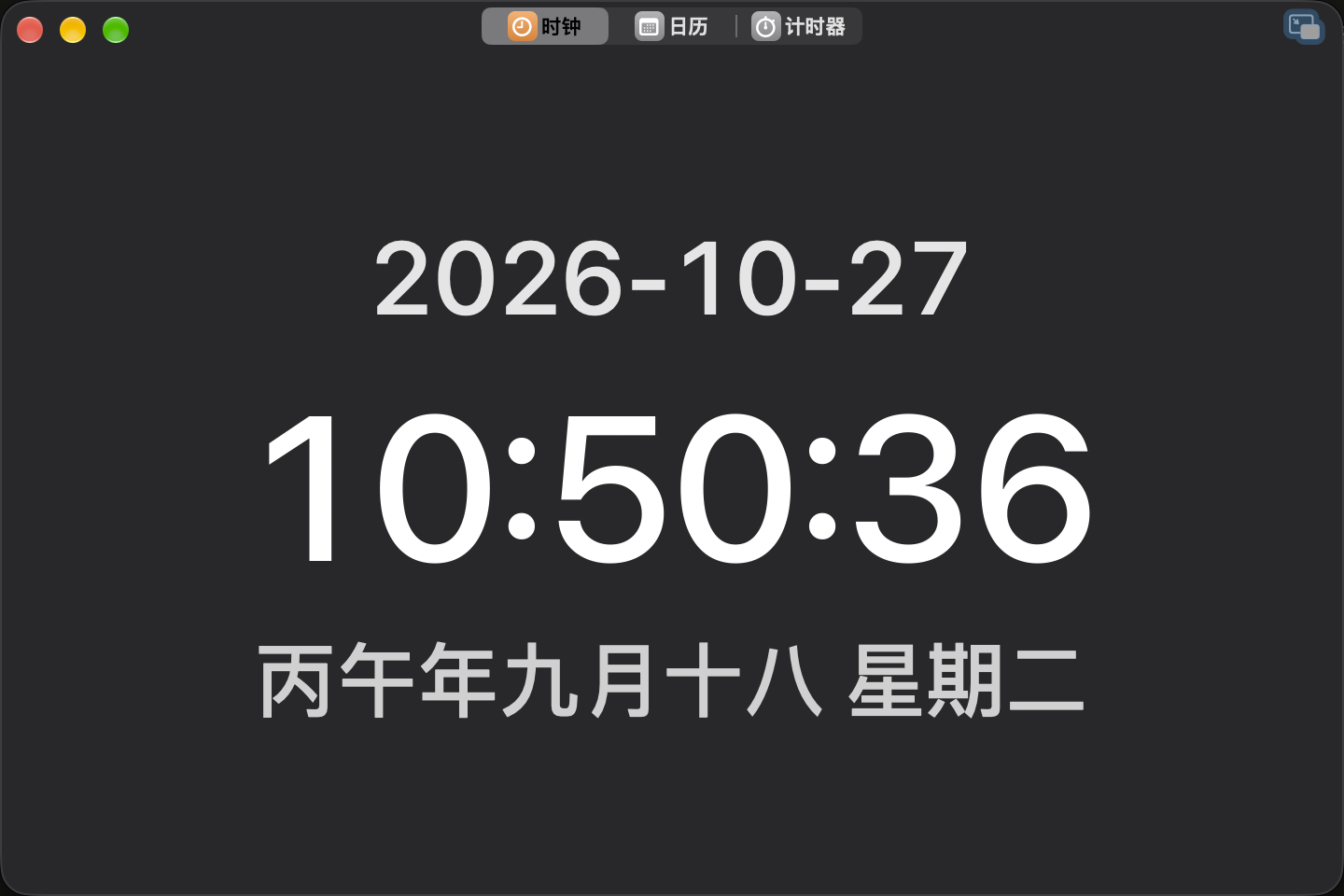
When you want the time always in sight, open a floating window, resize it, adjust opacity, or keep it on top.
Calendar
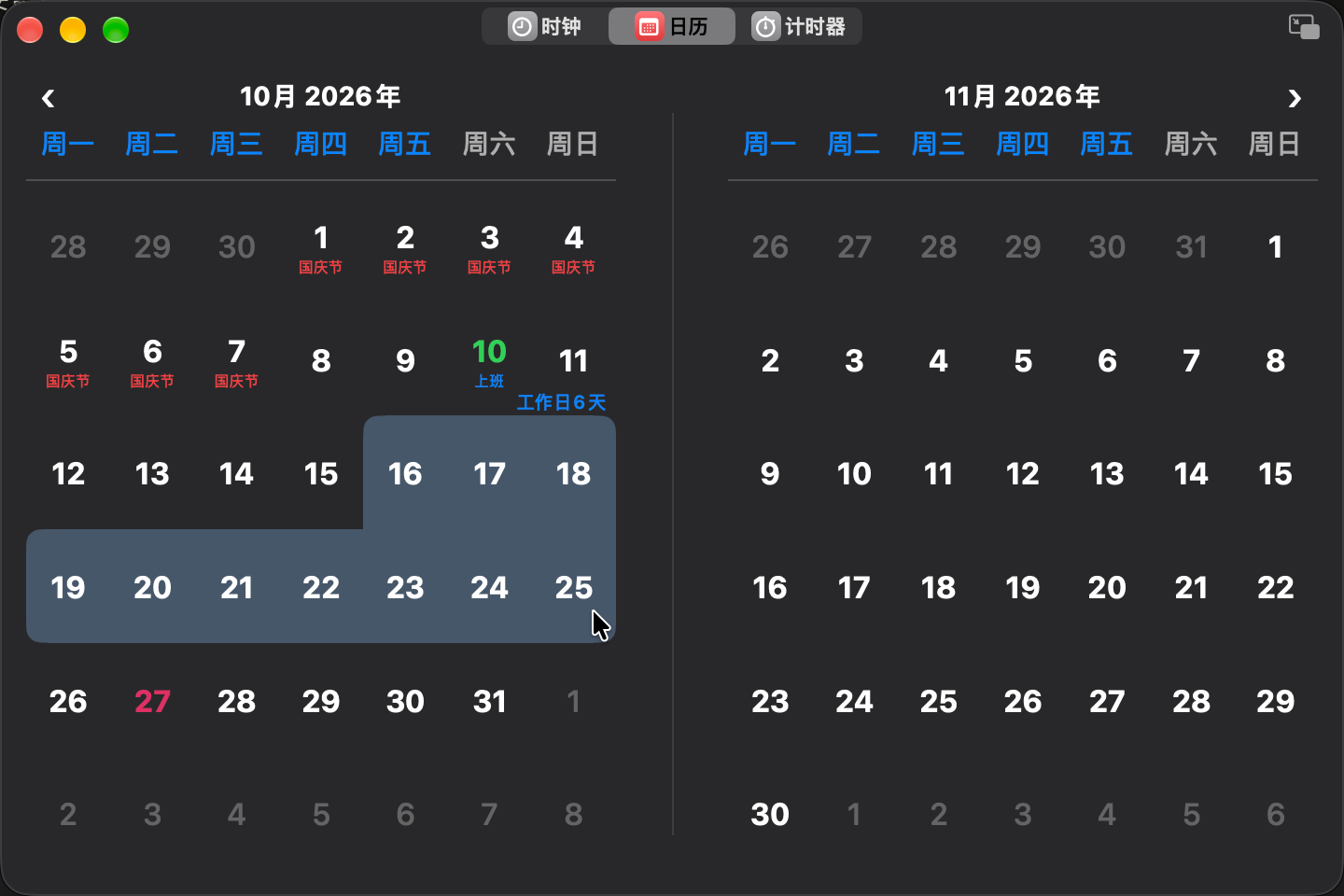
Includes lunar dates and holiday information. Drag a date range to count the workdays — handy when you need a quick estimate of a stretch of days.
Timer
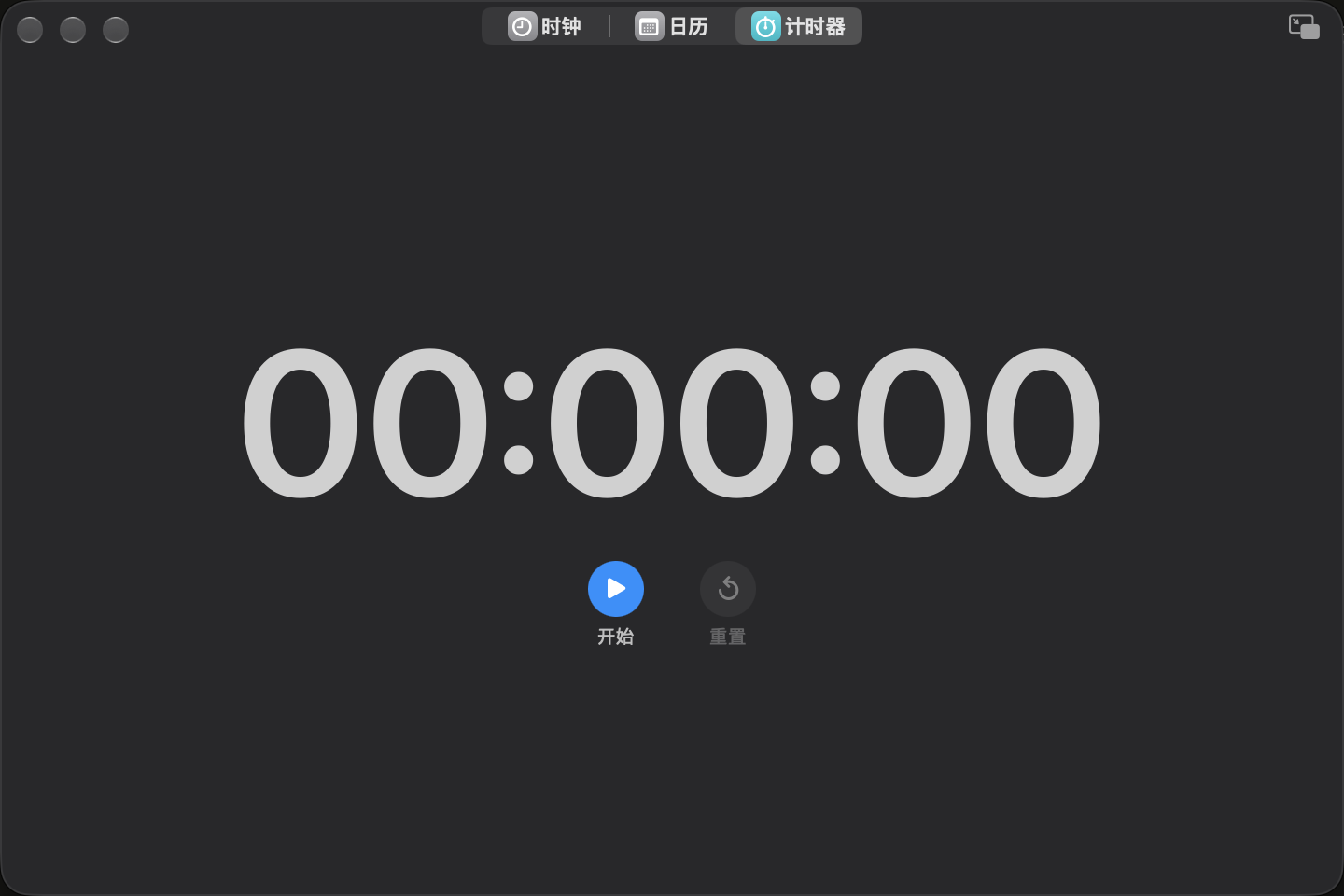
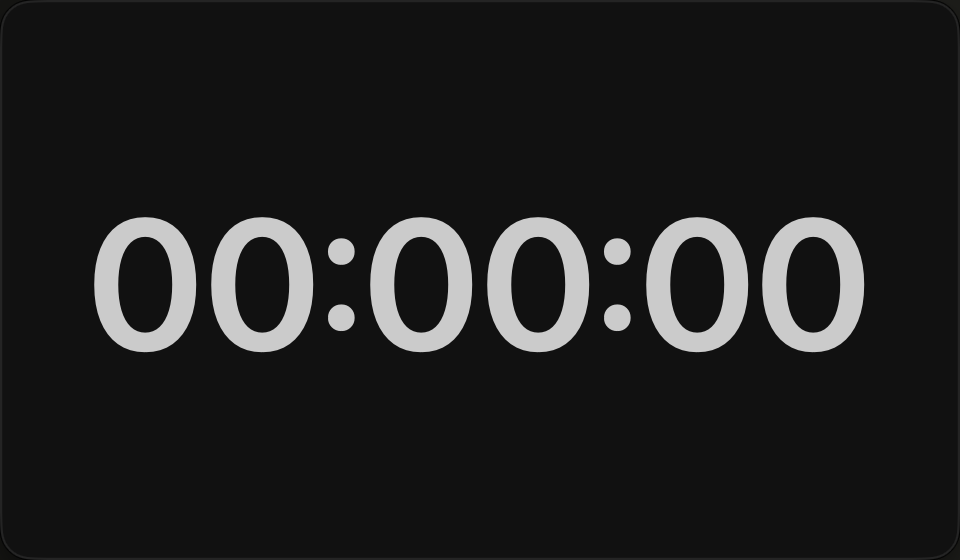
Start, pause, resume, and reset. The timer stays in sync across the main window, floating windows, and widgets, so switching views does not reset your progress.
Main window, floating windows, and widgets
Clock, calendar, and timer each support the presentation that fits the moment: the main window for the full view; a floating window on its own, with resize, opacity, and always-on-top; and widgets (small, medium, or large) in Notification Center or on the desktop — timer widgets include direct controls.
Each feature has its own refined floating window, so you can keep time, dates, or a countdown close without leaving the main window open:

The goal is simple: keep time and dates close, without juggling extra apps for the same job.
Download and install
- Platform: Apple Silicon Mac (v1.0)
- Package: DMG
- Price: Free
Download it from the LiteCal download page, open the DMG, and follow the installation guide. The app is still evolving — try it, and feedback is welcome.
Clear, simple, and free — when that is what you want in a time utility, choose LiteCal.